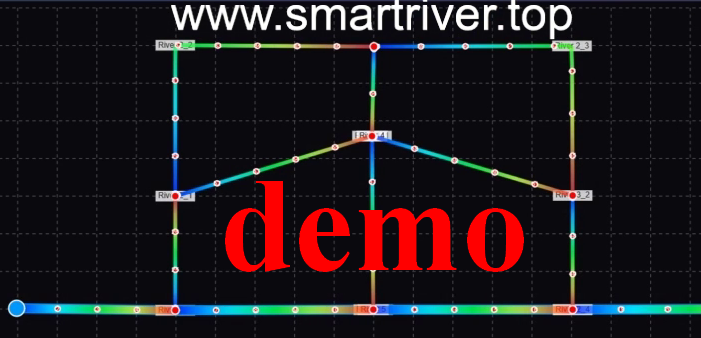
Smart River Network Designer
SmartRiver v0.66; To be finished
Designed by Dr. XU Dong
Email: xudong@hhu.edu.cn
Download free codes and software
Add River
Select River
Select Node
Clear All
Export Design
Options
Test
Simulate Flow
Display
Tracers
Help
Properties...
River Statistics
Delete
River Properties
Name:
Color:
Blue (Default)
Dark Blue
Green
Orange
Purple
Yellow
Red
Gray
River Width:
Manning Coefficient n:
Slope:
Cancel
Apply
Node Properties
Name:
Boundary Condition Type:
Discharge
Water Level
Discharge (m³/s):
Water Level (m):
Cancel
Apply
Coordinates:
(0, 0)
m
Domain:
1000 × 800
m
Q:
-
m³/s
Velocity:
-
m/s
Water Level:
-
m
Simulation Control
×
Time Step (s):
Total Steps:
Refresh Interval (s):
Initial Water Level (m):
Current Step:
0
Init
Start
Pause
Stop
River Statistics
×
Boundary Condition Setting
Node Information
Close
Node Information
×
Color Legend
×
Water Level (m) Color Scale:
Min
Max
Auto
1
2
(Low → High)
Display Options
×
Visualization Options:
Water Level
Discharge
Velocity
Show Color Legend
Show Contour
Show Junctions
Options
×
Domain Width (m):
Domain Height (m):
River Width:
Discretization Spacing:
Update Domain
Tracer Controls
×
Tracer Speed:
Tracer Size:
Trail Length:
Update Rate (ms):
Tracer Color:
Show Trails
Add at Junctions
Add Along Rivers
Reset Tracers
Clear All